AI Image Enhancer Enhance & Upscale Photos Free
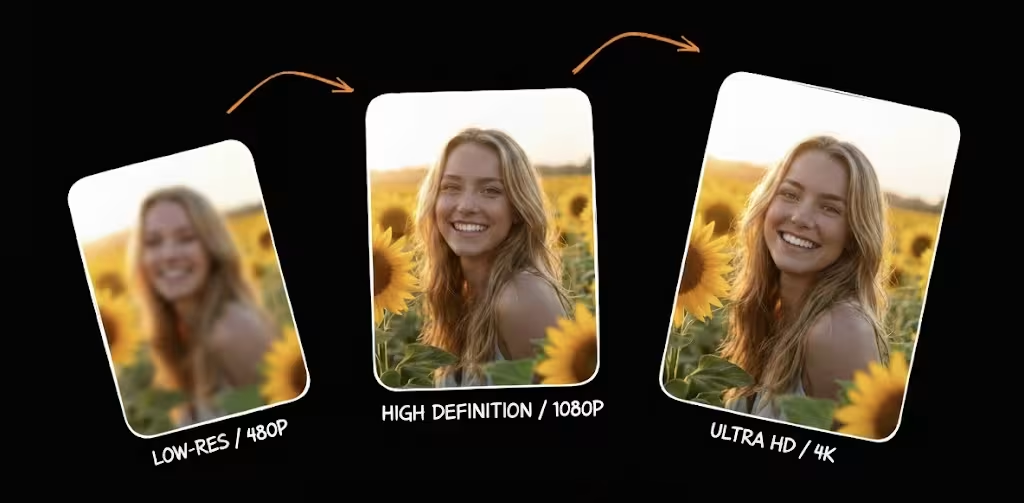
Enhance image quality to crystal clear in one click
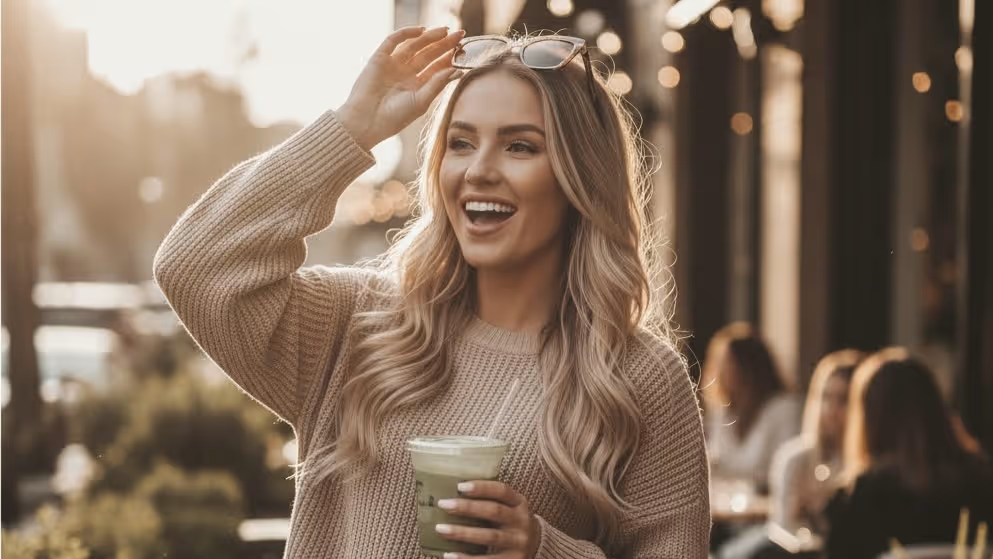
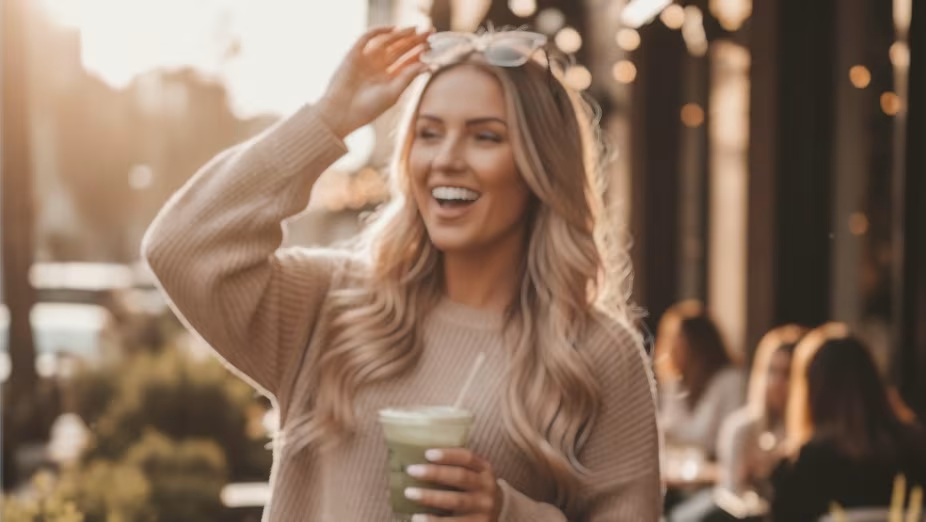
Upload to get high resolution of images
By uploading an image or URL you agree to our Terms of Use and Privacy Policy.
No image? Try one of these:
Trusted by 1M+ Creators Worldwide
See how photographers, designers, and e-commerce sellers use image enhancer to transform their images.


Creative Ways to Use Image Enhancer
Whether you're restoring family memories or preparing images for print, discover how creators use AI photo enhancement in their everyday workflow.
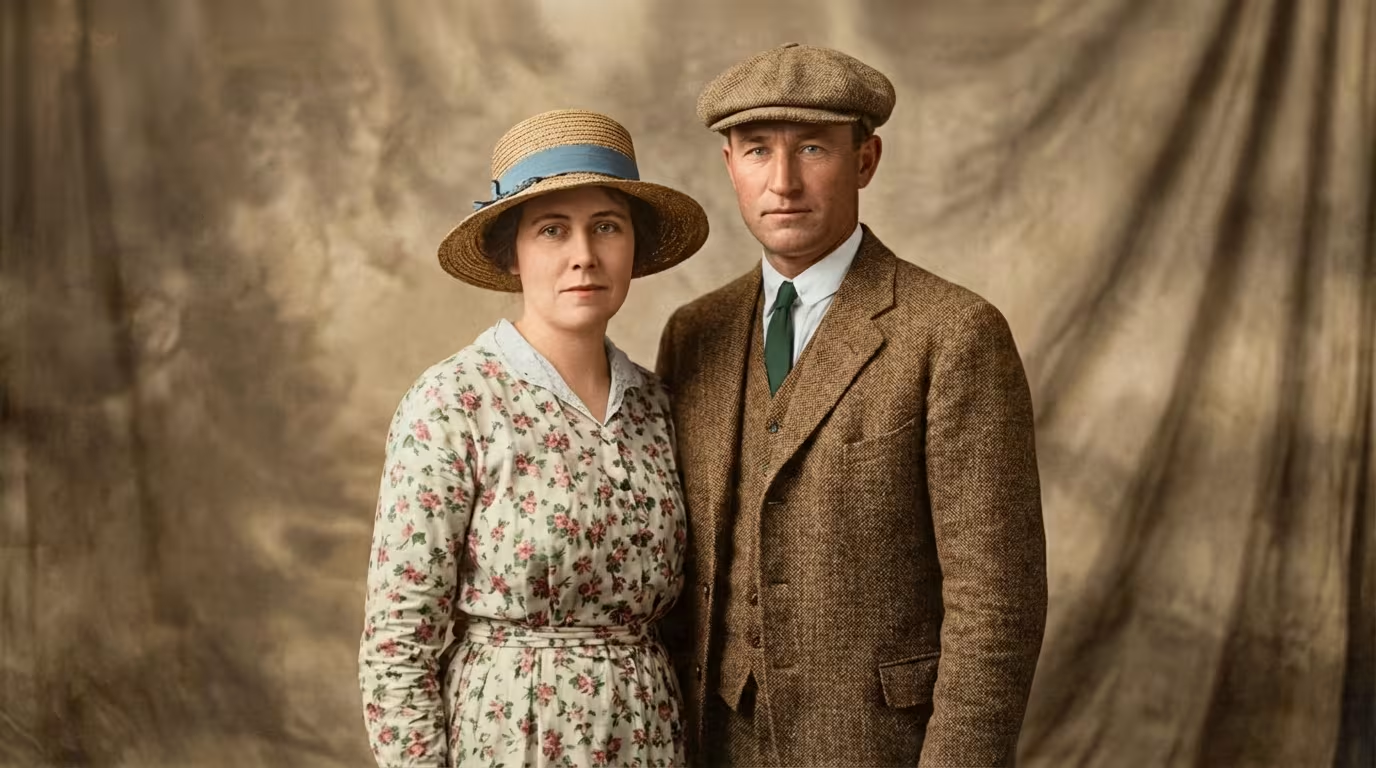
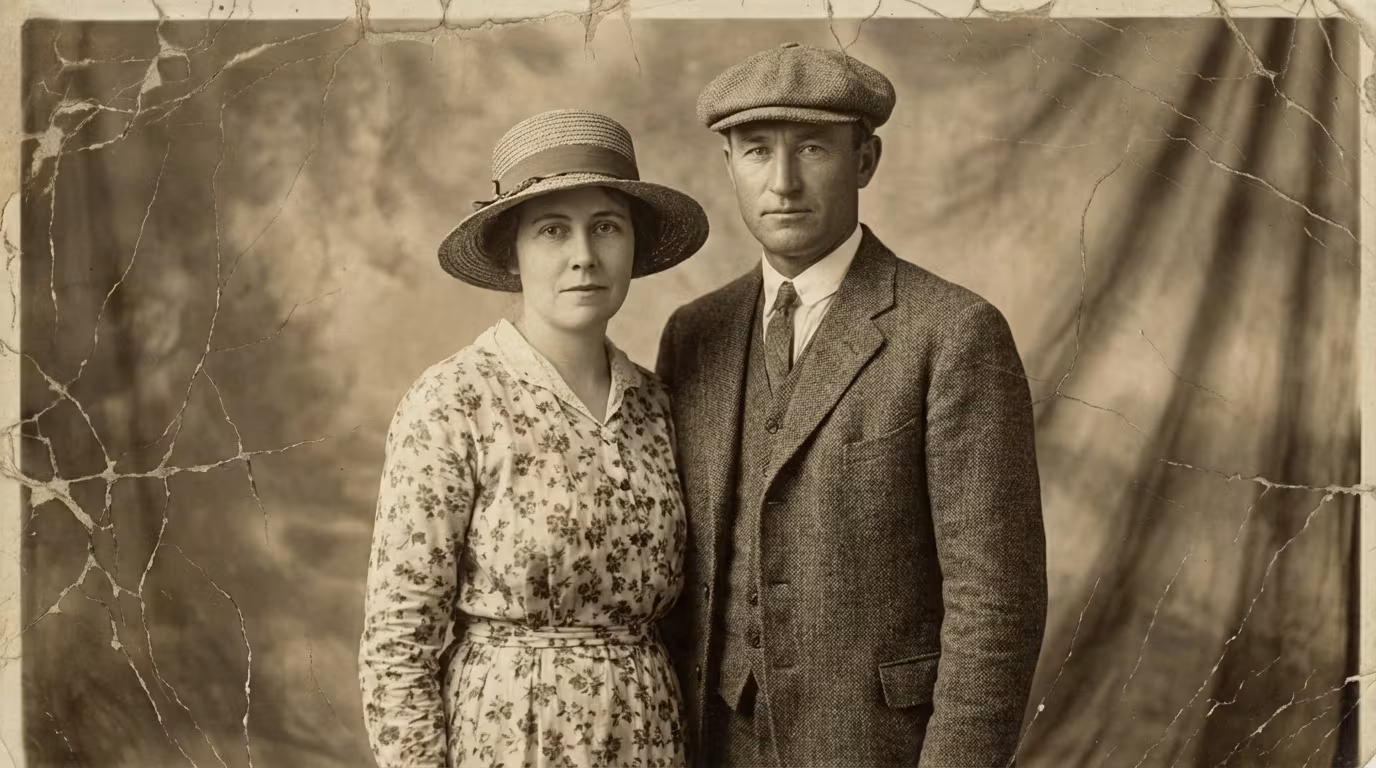
Old Photo Restoration
Got a box of faded, scratched family photos? Upload them to image enhancer to restore colors, remove damage, and bring decades-old memories back to life. Perfect for preserving heritage photos, creating family albums, or gifting restored prints.
Restore Old Photos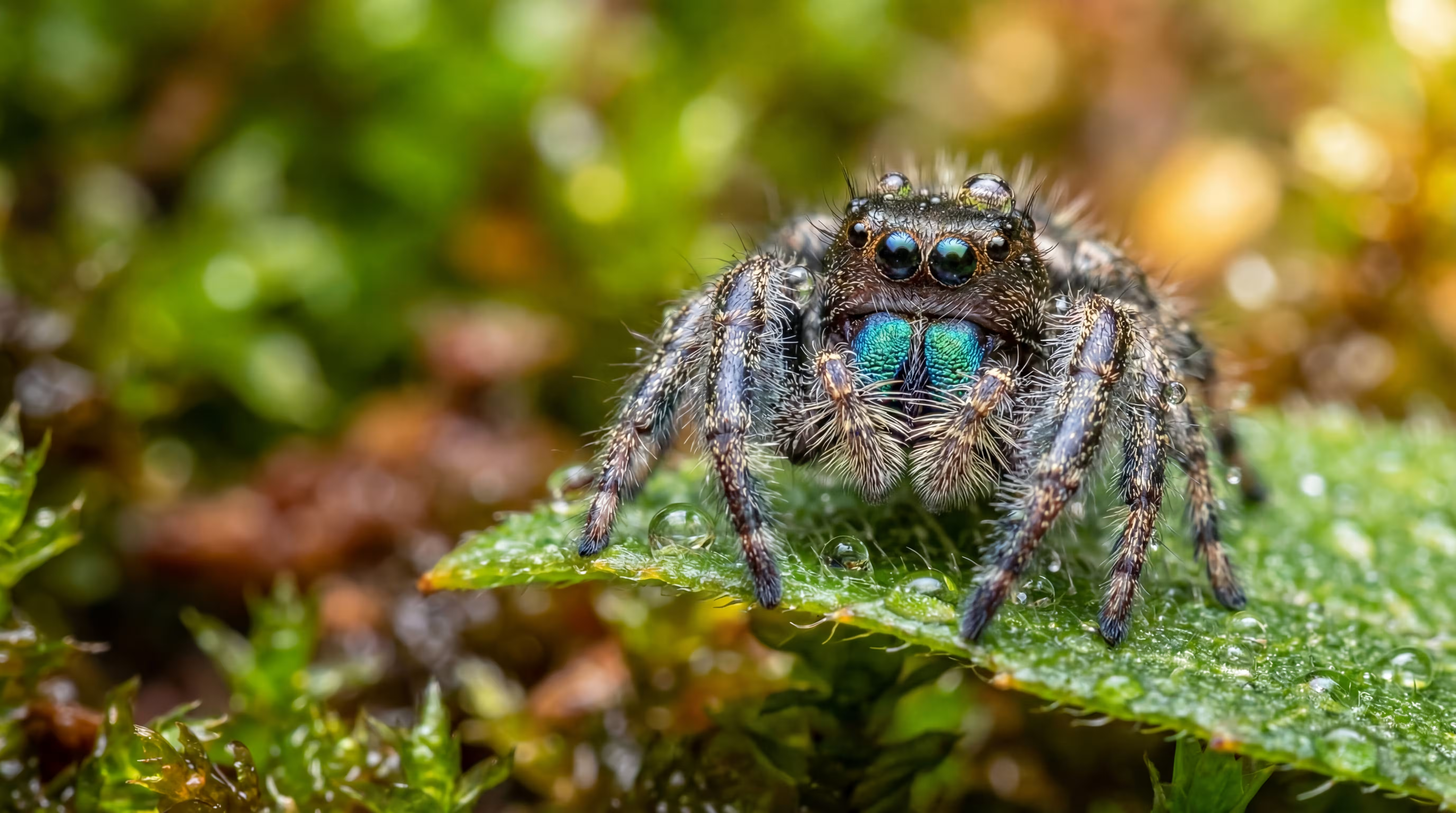

Upscale Image to 4K
Need a small image for a large print or poster? image enhancer AI upscaling enlarges photos to 4K or higher while preserving detail - no pixelation, no artifacts. Ideal for print projects, wall art, and high-resolution displays.
Upscale to 4K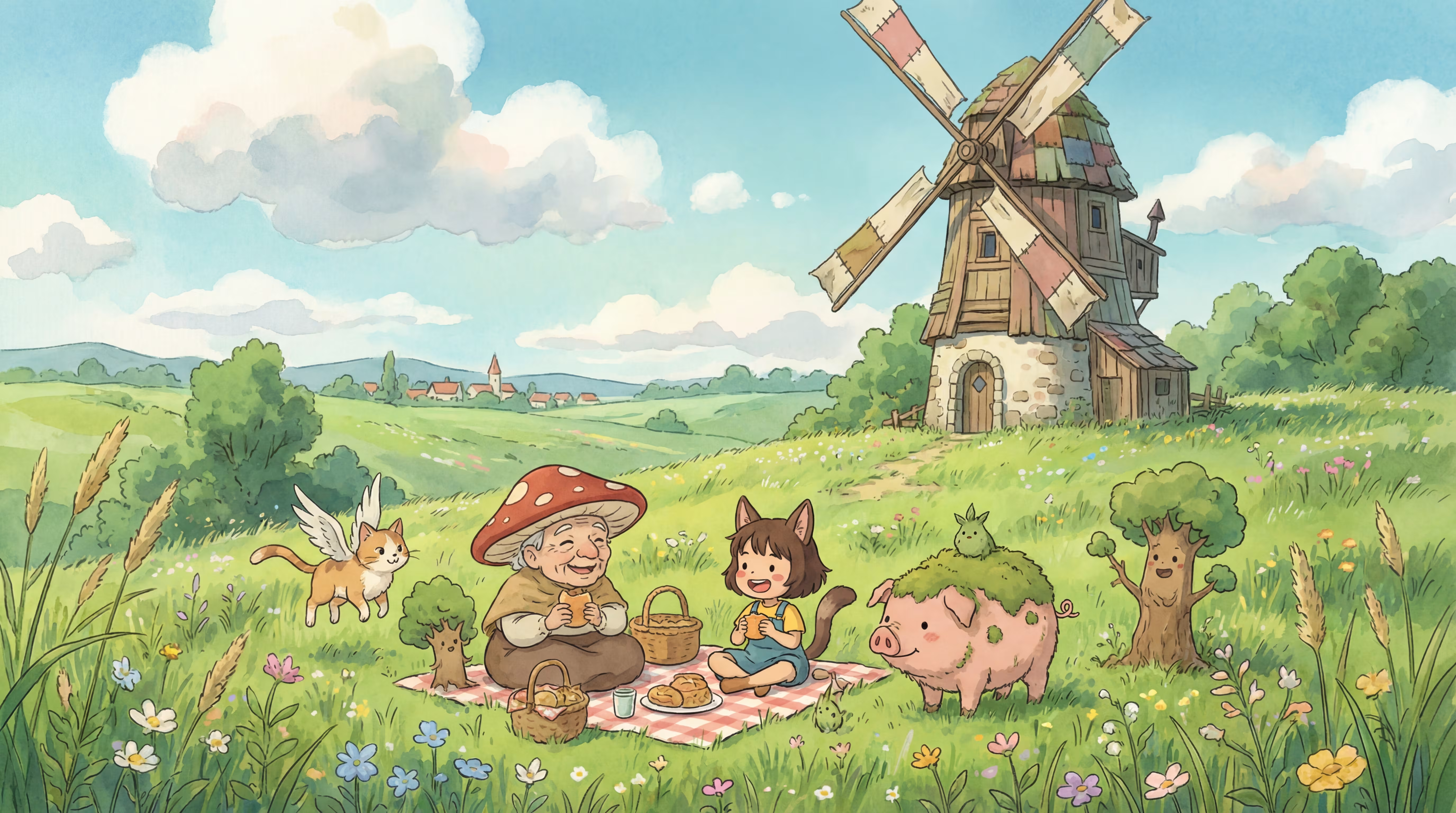
Anime & Illustration Upscaler
AI-optimized for anime, manga, and digital illustrations - upscale artwork without unwanted smoothing or artifacts. Keep line art sharp, colors vibrant, and styles intact at 2x to 8x resolution.
Upscale Artwork

Colorize Black & White Photos
Transform monochrome photos into full-color images with AI that understands natural tones across skin, sky, fabric, and foliage. Bring historical photos, grandparents' portraits, and vintage shots to vivid life.
Colorize NowWhat is image enhancer?
image enhancer is a free AI image enhancer that lets you enhance image quality, upscale photos to 4K, fix blurry pictures, and restore old damaged images - all in one click. Powered by advanced AI models, it transforms low-quality photos into crystal clear, print-ready results without technical skills or software installation.
Image Quality Enhancer
Enhance clarity, color, and detail automatically for photos that look cleaner and sharper.
Photo Upscaling
Enlarge and increase image quality up to 8x without visible quality loss or pixelation.
Photo Restoration
Fix scratches, fading, and damage on old photos with AI-powered restoration workflows.
Smart Editing
Remove backgrounds, objects, and watermarks with AI tools in the same workflow.
How to Enhance Photo Quality in 3 Easy Steps
No technical skills needed. With image enhancer, just upload, enhance, download - it's that simple.
Upload Your Image
Drag and drop any photo - JPEG, PNG, WebP, or BMP. No account required, no software to install. Works right in your browser on any device.
- •All Formats
- •No Signup
- •Browser-Based
Enhance Quality Automatically
Our AI analyzes your image and applies intelligent photo enhancement - sharpening details, reducing noise, boosting color, and upscaling resolution to improve image quality. Results in seconds, not minutes.
- •Auto Enhancement
- •Noise Reduction
- •Color Boost
Download Your Enhanced Photo
Preview the before and after, then download your enhanced photo in full quality - up to 4K resolution, lossless, and print-ready. No watermark on free downloads.
- •4K Output
- •No Watermark
- •Print-Ready
Why Creators Choose Image Enhancer
See what makes this AI image enhancer different from ordinary photo enhancement tools. Built for anyone who wants to enhance image quality - fast, free, and without compromise.
10 Free Enhancements Every Day
No credit card, no watermark, no signup wall
Most free image enhancers hit you with watermarks, resolution caps, or forced signups after the first image. image enhancer gives you 10 free enhancements per day with full-quality output and no watermark - just upload and download.
Perfect for quick fixes, social media posts, and trying AI enhancement before committing to a plan.
What Users Say About image enhancer
Hear from photographers, designers, and sellers who use image enhancer daily.
“I used to spend 20 minutes per product photo in Photoshop. Now I batch-enhance 200 images in under 5 minutes. The 4K upscaling is incredible — my Shopify listings look way more professional.”
“The old photo restoration blew me away. A client brought in water-damaged wedding photos from the 1970s, and image enhancer restored them better than I expected. Scratches gone, colors vivid. Now it's part of my workflow.”
“We process 50+ images daily for Instagram and TikTok. The batch processing saves us hours every week. Only thing I'd improve is adding video enhancement — that would be the dream.”
“I use Image Enhancer mostly for background removal and upscaling client logos. What used to take me 15 minutes in Photoshop — masking, feathering, exporting — now takes one click. The cutout quality is cleaner than I expected for a browser tool.”
“Smartphone photos from property tours never looked great until I ran them through Image Enhancer. The AI sharpens interiors, corrects lighting, and the 4K upscale makes every listing photo look like it was shot on pro gear.”
“I colorize and restore historical photos for my classroom blog. Students are way more engaged when they see a 1940s photo in full color instead of faded black and white. The colorizer isn't perfect on every photo, but 8 out of 10 times it nails the tones.”
“Low-light reception photos used to be throwaway shots — grainy, blurry, unusable. Now I run them through the AI image enhancer and it fixes the noise and sharpens faces without making them look over-processed.”
“I photograph vintage jewelry with my phone and the images always looked dull. Image Enhancer lets me enhance photo quality in one click — colors pop, details are crisp. My Etsy click-through rate went up about 20%.”
“I used to spend 20 minutes per product photo in Photoshop. Now I batch-enhance 200 images in under 5 minutes. The 4K upscaling is incredible — my Shopify listings look way more professional.”
“The old photo restoration blew me away. A client brought in water-damaged wedding photos from the 1970s, and image enhancer restored them better than I expected. Scratches gone, colors vivid. Now it's part of my workflow.”
“We process 50+ images daily for Instagram and TikTok. The batch processing saves us hours every week. Only thing I'd improve is adding video enhancement — that would be the dream.”
“I use Image Enhancer mostly for background removal and upscaling client logos. What used to take me 15 minutes in Photoshop — masking, feathering, exporting — now takes one click. The cutout quality is cleaner than I expected for a browser tool.”
“Smartphone photos from property tours never looked great until I ran them through Image Enhancer. The AI sharpens interiors, corrects lighting, and the 4K upscale makes every listing photo look like it was shot on pro gear.”
“I colorize and restore historical photos for my classroom blog. Students are way more engaged when they see a 1940s photo in full color instead of faded black and white. The colorizer isn't perfect on every photo, but 8 out of 10 times it nails the tones.”
“Low-light reception photos used to be throwaway shots — grainy, blurry, unusable. Now I run them through the AI image enhancer and it fixes the noise and sharpens faces without making them look over-processed.”
“I photograph vintage jewelry with my phone and the images always looked dull. Image Enhancer lets me enhance photo quality in one click — colors pop, details are crisp. My Etsy click-through rate went up about 20%.”
“I used to spend 20 minutes per product photo in Photoshop. Now I batch-enhance 200 images in under 5 minutes. The 4K upscaling is incredible — my Shopify listings look way more professional.”
“The old photo restoration blew me away. A client brought in water-damaged wedding photos from the 1970s, and image enhancer restored them better than I expected. Scratches gone, colors vivid. Now it's part of my workflow.”
“We process 50+ images daily for Instagram and TikTok. The batch processing saves us hours every week. Only thing I'd improve is adding video enhancement — that would be the dream.”
“I use Image Enhancer mostly for background removal and upscaling client logos. What used to take me 15 minutes in Photoshop — masking, feathering, exporting — now takes one click. The cutout quality is cleaner than I expected for a browser tool.”
“Smartphone photos from property tours never looked great until I ran them through Image Enhancer. The AI sharpens interiors, corrects lighting, and the 4K upscale makes every listing photo look like it was shot on pro gear.”
“I colorize and restore historical photos for my classroom blog. Students are way more engaged when they see a 1940s photo in full color instead of faded black and white. The colorizer isn't perfect on every photo, but 8 out of 10 times it nails the tones.”
“Low-light reception photos used to be throwaway shots — grainy, blurry, unusable. Now I run them through the AI image enhancer and it fixes the noise and sharpens faces without making them look over-processed.”
“I photograph vintage jewelry with my phone and the images always looked dull. Image Enhancer lets me enhance photo quality in one click — colors pop, details are crisp. My Etsy click-through rate went up about 20%.”
“I use the image upscaler to turn low-res screenshots into sharp 4K thumbnails. Before, my thumbnails looked pixelated next to bigger channels. Now they look just as clean. It's become part of my weekly thumbnail workflow.”
“Client presentation photos need to look flawless. I use Image Enhancer to sharpen image details on project photos — it brings out textures in fabrics, wood grain, tile patterns. Way faster than manual editing in Lightroom.”
“Honestly just needed a free AI image enhancer that works without signing up. Tried three other tools that all hit me with paywalls after one photo. This one actually gave me 10 free enhancements with no watermark.”
“Customers bring in tiny photos from Facebook and want poster-size prints. The resolution enhancer upscales them to print-ready quality without that ugly smoothed-out look. We've cut "sorry, your image is too small" rejections by half.”
“Restaurant lighting is the worst for food photography — everything comes out noisy and yellow. I enhance image quality with this tool and the noise reduction is honestly impressive. The colors look natural, not that oversaturated AI look.”
“Our team needed a quick pic enhancer for campaign assets — we don't have a dedicated designer. Image Enhancer handles everything from background removal to upscaling hero images for ads. Replaced two separate tools we were paying for.”
“I restore old family photos from the 1920s–1950s for my genealogy clients. The photo restoration tool fixes scratches and faded tones that I used to spend hours retouching manually. One client cried when she saw her grandmother's wedding photo restored.”
“Amazon's image requirements are strict — white background, high-res, no watermarks. The background remover gives me clean cutouts and the watermark remover handles supplier sample photos perfectly. I process my entire catalog through Image Enhancer every season.”
“I use the image upscaler to turn low-res screenshots into sharp 4K thumbnails. Before, my thumbnails looked pixelated next to bigger channels. Now they look just as clean. It's become part of my weekly thumbnail workflow.”
“Client presentation photos need to look flawless. I use Image Enhancer to sharpen image details on project photos — it brings out textures in fabrics, wood grain, tile patterns. Way faster than manual editing in Lightroom.”
“Honestly just needed a free AI image enhancer that works without signing up. Tried three other tools that all hit me with paywalls after one photo. This one actually gave me 10 free enhancements with no watermark.”
“Customers bring in tiny photos from Facebook and want poster-size prints. The resolution enhancer upscales them to print-ready quality without that ugly smoothed-out look. We've cut "sorry, your image is too small" rejections by half.”
“Restaurant lighting is the worst for food photography — everything comes out noisy and yellow. I enhance image quality with this tool and the noise reduction is honestly impressive. The colors look natural, not that oversaturated AI look.”
“Our team needed a quick pic enhancer for campaign assets — we don't have a dedicated designer. Image Enhancer handles everything from background removal to upscaling hero images for ads. Replaced two separate tools we were paying for.”
“I restore old family photos from the 1920s–1950s for my genealogy clients. The photo restoration tool fixes scratches and faded tones that I used to spend hours retouching manually. One client cried when she saw her grandmother's wedding photo restored.”
“Amazon's image requirements are strict — white background, high-res, no watermarks. The background remover gives me clean cutouts and the watermark remover handles supplier sample photos perfectly. I process my entire catalog through Image Enhancer every season.”
“I use the image upscaler to turn low-res screenshots into sharp 4K thumbnails. Before, my thumbnails looked pixelated next to bigger channels. Now they look just as clean. It's become part of my weekly thumbnail workflow.”
“Client presentation photos need to look flawless. I use Image Enhancer to sharpen image details on project photos — it brings out textures in fabrics, wood grain, tile patterns. Way faster than manual editing in Lightroom.”
“Honestly just needed a free AI image enhancer that works without signing up. Tried three other tools that all hit me with paywalls after one photo. This one actually gave me 10 free enhancements with no watermark.”
“Customers bring in tiny photos from Facebook and want poster-size prints. The resolution enhancer upscales them to print-ready quality without that ugly smoothed-out look. We've cut "sorry, your image is too small" rejections by half.”
“Restaurant lighting is the worst for food photography — everything comes out noisy and yellow. I enhance image quality with this tool and the noise reduction is honestly impressive. The colors look natural, not that oversaturated AI look.”
“Our team needed a quick pic enhancer for campaign assets — we don't have a dedicated designer. Image Enhancer handles everything from background removal to upscaling hero images for ads. Replaced two separate tools we were paying for.”
“I restore old family photos from the 1920s–1950s for my genealogy clients. The photo restoration tool fixes scratches and faded tones that I used to spend hours retouching manually. One client cried when she saw her grandmother's wedding photo restored.”
“Amazon's image requirements are strict — white background, high-res, no watermarks. The background remover gives me clean cutouts and the watermark remover handles supplier sample photos perfectly. I process my entire catalog through Image Enhancer every season.”
Creators Love image enhancer
Join thousands of photographers, designers, and content creators who enhance image quality daily with our AI image quality enhancer.
Stay Updated with image enhancer
Get new AI tools, enhancement tips, and exclusive offers — straight to your inbox. No spam, unsubscribe anytime.
Everything You Need to Know About Image Enhancer
Got questions before enhancing your first photo? Here are answers about formats, quality, pricing, and what AI enhancement can (and can't) do.
image enhancer is a free AI-powered image enhancement platform. Upload any photo and our AI automatically analyzes and improves it by enhancing clarity, reducing noise, boosting color accuracy, and increasing resolution. The process takes about 3 seconds, runs in your browser, and requires no signup or software installation.
Enlarging simply makes an image bigger, which usually causes pixelation. Upscaling uses AI to intelligently add detail while enlarging and preserve sharpness. Enhancing is broader and improves quality overall, including color, contrast, noise, and clarity without necessarily changing size. image enhancer does all three.
image enhancer supports JPEG, PNG, WebP, and BMP uploads. You can download your enhanced image in any of these formats. For best results, upload the highest quality original you have.
Free users can upscale up to 2x. Pro users can upscale up to 8x for 4K or 8K output. Enterprise plans support up to 16K resolution. Actual output size depends on your input dimensions.
Yes. Modern AI can genuinely improve image quality by surfacing detail, reducing noise, and correcting color. AI works best when the original still contains usable detail. A slightly blurry portrait can improve a lot, but a completely black image cannot be reconstructed meaningfully.
With AI upscaling, yes. The AI predicts and generates new detail while enlarging your image so the result looks sharp instead of pixelated. Traditional resizing only stretches pixels, which is why older methods often look blurry.
Yes. AI-generated images from tools like Midjourney, DALL-E, or Stable Diffusion can be upscaled and enhanced like regular photos. Many creators use image enhancer to upscale AI art for print-ready resolution and clean up minor artifacts.
Yes. image enhancer offers 10 free enhancements per day with no watermark, no signup required, and no credit card needed. Free users get standard enhancement and up to 2x upscaling. Upgrade to Pro for more usage, batch processing, higher upscaling, and access to all nine AI tools.
No. image enhancer does not add watermarks to any output on free or paid plans. What you download is the clean enhanced image.
Yes. You retain full rights to your enhanced images. If you own the copyright to the original photo, you can use the enhanced version for commercial, editorial, or personal purposes. We do not claim rights to your images.
Yes. All uploads are encrypted in transit (HTTPS) and processed on secure servers. We do not use your photos for training, marketing, or any purpose other than delivering your enhanced result.
Your images are temporarily stored for processing and deleted automatically after processing according to our retention policy. We do not retain, share, or sell your photos. See our Privacy Policy for details.
Can't find what you're looking for? Contact our support team