
Photo Enhancer — Enhance Image Quality
Enhance photo quality with AI in one click. Fix blur, noise, low-light photos, washed-out colors, and compressed-looking files without opening a full editing suite.
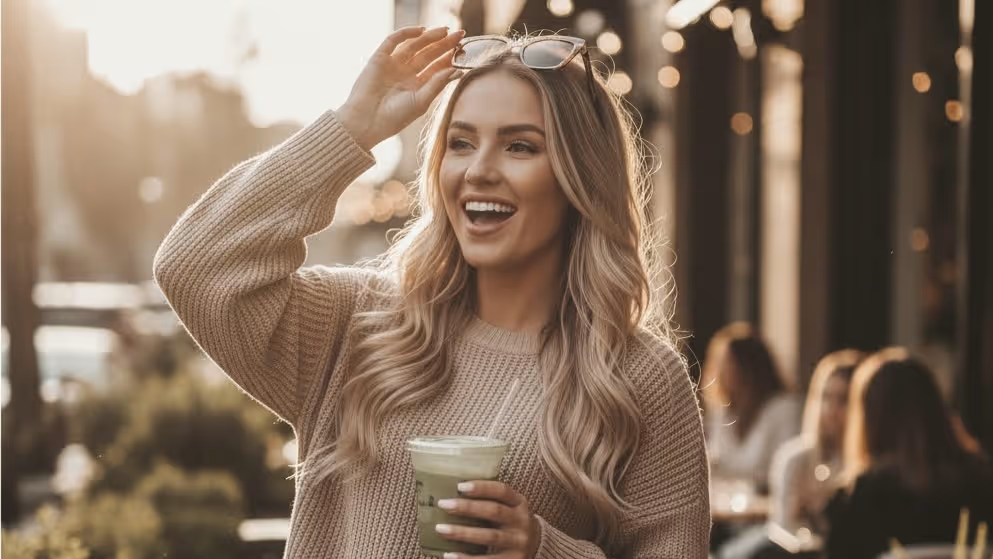
Drop an image here or click to upload
PNG, JPEG, or WebP · up to 10 MB
Or try a sample:
Loved by photographers, designers, and sellers worldwide
- No signup required
- No watermark
- Free daily enhancements
What Photo Enhancer Can Do
A photo enhancer is an AI-powered tool that improves overall photo quality without forcing you into manual editing. It handles the broad problems users usually mean when they search photo enhancer: blur, noise, low-light recovery, color correction, compression artifacts, soft detail, and general HD cleanup. Unlike a generic image filter, Image Enhancer's Photo Enhancer acts as the wide-intent page for everyday image rescue, then routes specialized jobs to the right next step. If the real goal is maximum enlargement, use Image Upscaler. If the photo has scratches, tears, or heavy age damage, use Photo Restoration. If the blur is severe, use Unblur Image. For the huge middle ground of everyday photos that just need to look better fast, Photo Enhancer is the right starting page.
Blur & Softness Cleanup
Use Photo Enhancer for everyday blur, soft detail, and slight camera shake when the photo still has enough structure to rescue. If the image is seriously out of focus or motion blurred, switch to Unblur Image for stronger deblurring.
Noise & Grain Removal
Clean up grainy, speckled photos from phones, night scenes, and indoor shots. The AI reduces visible noise while protecting skin, textures, and natural detail.
Low-Light Recovery
Brighten underexposed photos and recover shadow detail from dim restaurants, indoor events, concerts, and night captures without making the image look flat or overprocessed.
Color Correction & Tone Repair
Fix dull colors, bad white balance, overly warm indoor photos, washed-out skies, and weak contrast so the image feels balanced and natural again.
Compression Artifact Cleanup
Messaging apps, social downloads, and repeated exports often leave photos looking mushy or brittle. Photo Enhancer smooths those artifacts and rebuilds cleaner-looking detail before you do anything else.
Old Photo Cleanup Before Full Restoration
For faded old photos that mainly need better contrast, color, and clarity, Photo Enhancer is a fast starting point. If the image also has scratches, tears, stains, or missing sections, move to Photo Restoration.
Enhance First, Upscale Second
When the end goal is 4K, 8K, print, or e-commerce output, start by improving quality here, then use Image Upscaler for dedicated enlargement. That keeps Photo Enhancer from competing with the specialized upscaler page.
Cover the Broad Intent, Then Route the Specific Job
Photo Enhancer is the wide-intent money page for general photo quality improvement. Use it for the broad fix, then switch to the specialist page only when the problem becomes clearly about blur, restoration, or maximum enlargement.
Blur & Softness
Use Photo Enhancer for mild blur, soft detail, and general clarity cleanup. If the photo is heavily out of focus or motion blurred, move to the dedicated Unblur Image page.
Go to Unblur ImageNoise & Low-Light Photos
Night shots, dim phone photos, indoor event images, and grainy portraits belong here first. This page handles the broad correction workflow for noisy, underexposed images.
Enhance This HereColor Correction
Washed-out colors, yellow indoor lighting, dull contrast, and weak tonal balance are core Photo Enhancer jobs. Use this page when the image simply needs to look right again.
Fix Colors HereCompression Artifacts
If the photo came from chat apps, social downloads, or repeated exports, start here to clean up crunchy edges and mushy textures before taking any other step.
Clean Up ArtifactsPhoto Restoration
If the image is faded but otherwise intact, Photo Enhancer is a useful first step. If it also has scratches, tears, stains, or age damage, the dedicated Photo Restoration page is the better fit.
Go to Photo RestorationUpscale & Print Workflows
When the real goal is larger output for print, posters, 4K, or 8K delivery, enhance quality here first and then move to Image Upscaler. That keeps this broad page from stealing the upscaler's intent.
Go to Image UpscalerCreative Ways to Use Photo Enhancer
From low-light phone photos to compressed downloads and old family pictures, these are the real jobs broad photo-enhancement pages need to solve.
Fix Low-Light Indoor & Night Photos
Dim restaurant shots, reception photos, indoor phone captures, and night scenes often need exposure balancing, noise cleanup, and color correction at the same time. This is one of the strongest everyday use cases for Photo Enhancer.
Try It Free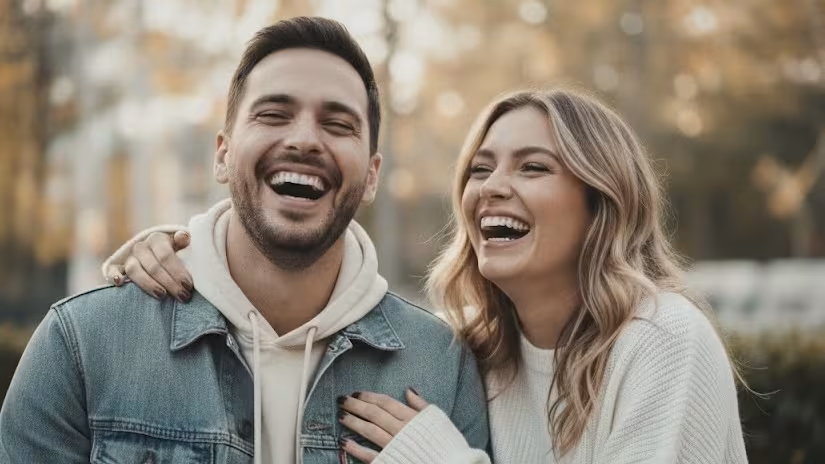
Rescue Blurry Everyday Photos
Slightly soft family photos, pet shots, travel photos, and casual portraits often need a broad quality cleanup rather than a full manual edit. For severe blur, switch to Unblur Image.
Try It Free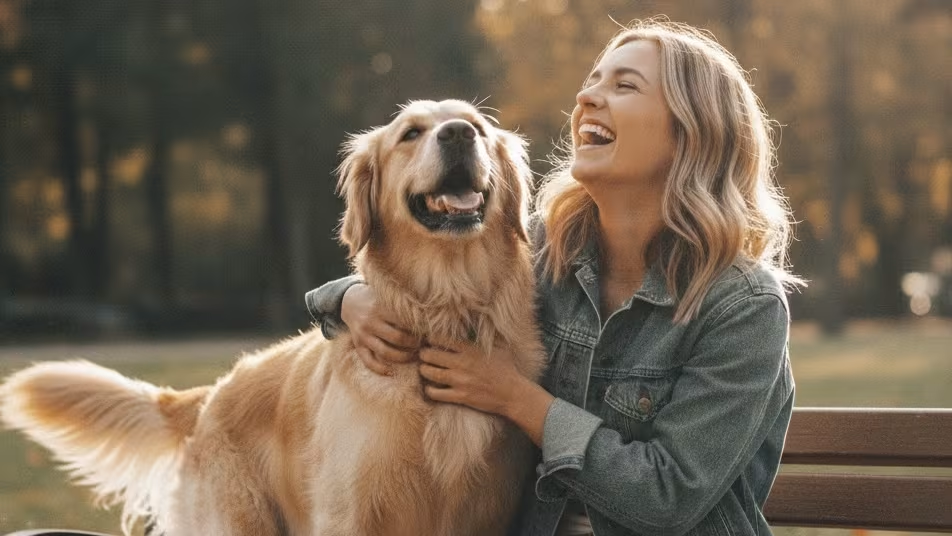
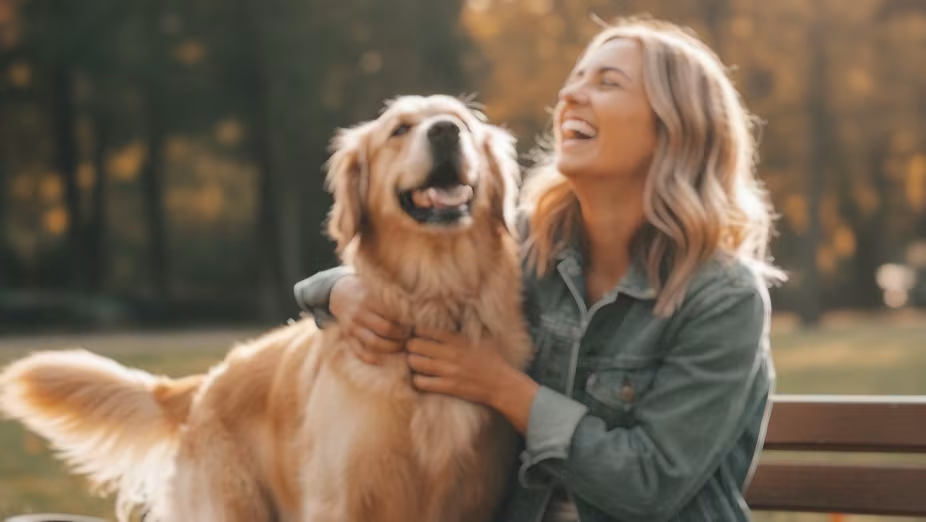
Clean Up Compressed Social & Messaging App Photos
Photos pulled from WhatsApp, Messenger, social downloads, and old exports often look brittle, muddy, or artifact-heavy. Photo Enhancer is the right broad page for cleaning them up before reuse.
Try It Free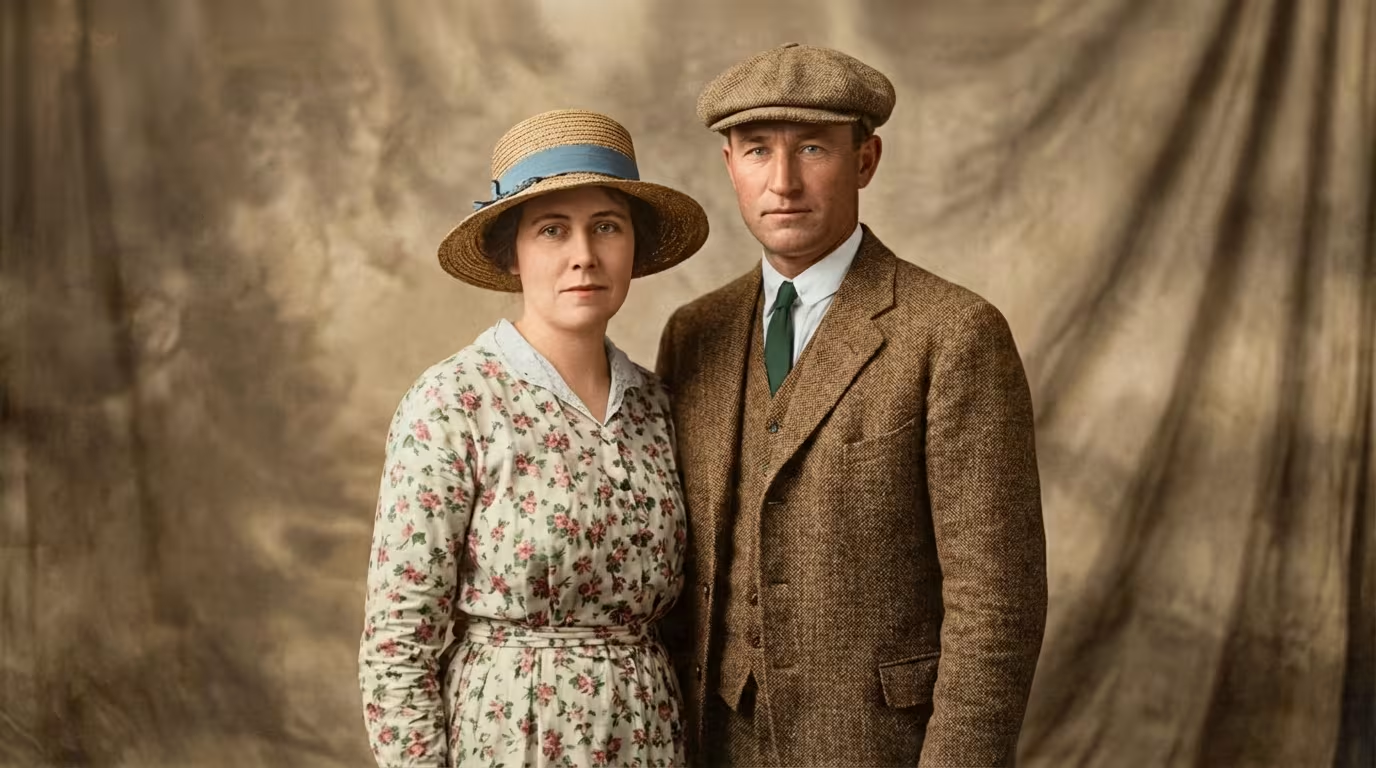
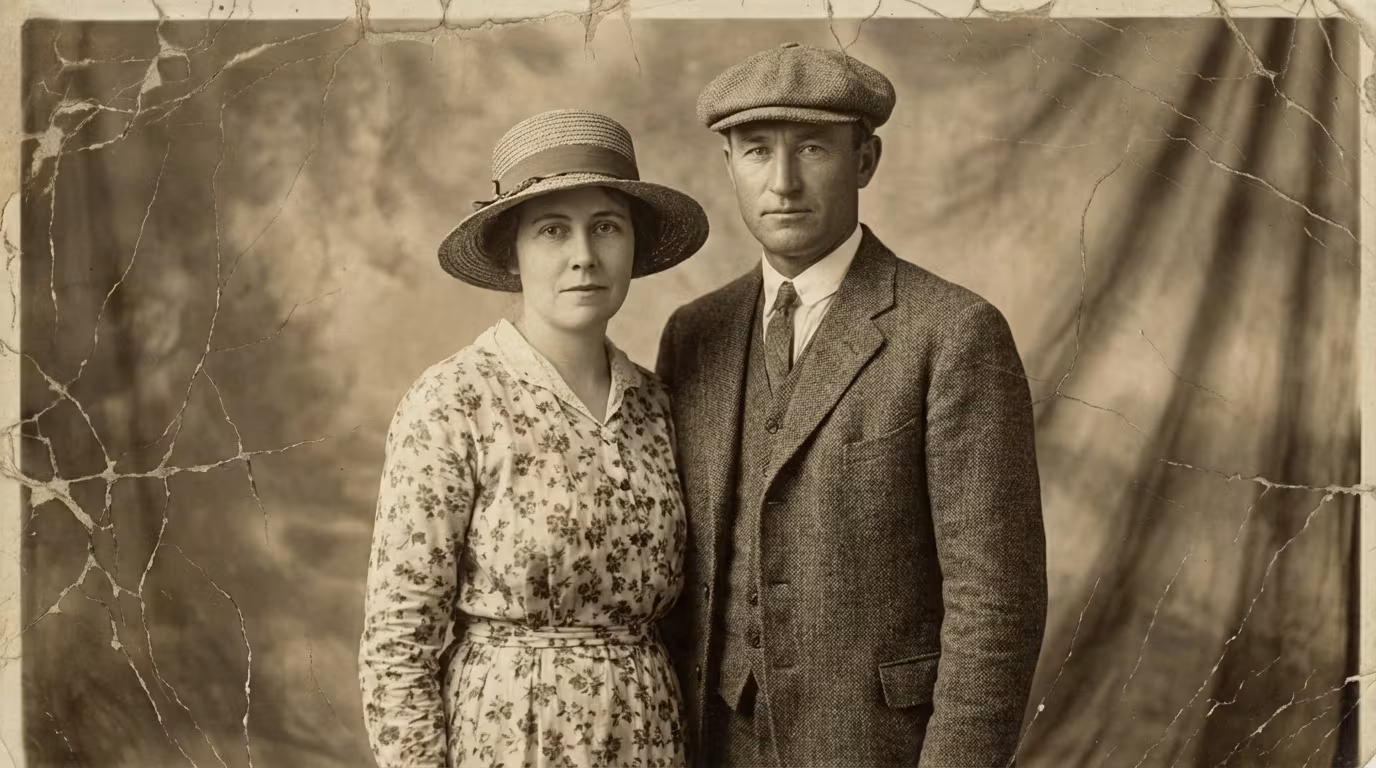
Enhance Old & Vintage Photos Before Restoration
Use Photo Enhancer for faded family photos that mainly need better tone, color, and clarity. If the image has real physical damage, scratches, tears, or missing parts, continue to Photo Restoration.
Try It Free

Prepare Photos for Upscaling & Printing
When the end goal is larger output for print, posters, product listings, or 4K/8K delivery, improve quality here first and then move to Image Upscaler for dedicated enlargement.
Try It Free
Enhance Product Photos for E-commerce
Professional product images sell more, but most sellers start with phone photos under imperfect lighting. Photo Enhancer handles color correction, low-light cleanup, softness, and noise before those files go into a full listing workflow.
Try It FreeHow to Enhance Photo Quality in 3 Easy Steps
No apps to install, no skills required. Enhance any photo in seconds — right in your browser.
Upload Your Photo
Drag and drop or browse to upload any photo — JPEG, PNG, WebP, or HEIC. No signup needed, no file size surprises. Works on desktop and mobile browsers.
- •JPEG
- •PNG
- •WebP
- •HEIC
- •No Signup
AI Enhances Your Photo Automatically
Our AI photo enhancer analyzes the image and applies the broad corrections most users mean when they search photo enhancer: blur cleanup, noise reduction, low-light balancing, color correction, compression-artifact cleanup, and sharper detail recovery. The entire process takes about 3 seconds.
- •Blur Cleanup
- •Noise Reduction
- •Low-Light Recovery
- •Color Correction
- •Artifact Cleanup
Download Your Enhanced Photo
Preview the before and after, then download the improved version in full HD quality. If the image also needs maximum enlargement, old-photo repair, or stronger deblurring, use the linked specialist page next instead of forcing every job into one tool.
- •HD Output
- •No Watermark
- •Routing to Specialist Pages
- •Free Download
Why Choose Image Enhancer's Photo Enhancer
This page is built to win the broad photo enhancer query without pretending every image-quality job should live on one URL.
Broad Photo-Quality Coverage
This page covers the wide-intent jobs users usually mean when they search photo enhancer: blur, noise, low light, color correction, old-photo cleanup, compression artifacts, and everyday HD improvement. That makes it the right money page for the broad keyword.
What Users Say About Photo Enhancer
Hear from creators who use our AI photo enhancer to improve their photos every day.
“I photograph 200+ weddings a year and reception lighting is always terrible. I used to spend 30 minutes in Lightroom fixing each batch. Now I upload the worst shots to Photo Enhancer and the AI nails the color correction and noise removal in seconds. Saves me hours every week.”
“My product photos were taken with a phone in my kitchen. After running them through the photo enhancer, they look like I hired a professional photographer. Colors are accurate, edges are sharp, and I've seen a noticeable increase in click-through rates on my listings.”
“I photograph 200+ weddings a year and reception lighting is always terrible. I used to spend 30 minutes in Lightroom fixing each batch. Now I upload the worst shots to Photo Enhancer and the AI nails the color correction and noise removal in seconds. Saves me hours every week.”
“My product photos were taken with a phone in my kitchen. After running them through the photo enhancer, they look like I hired a professional photographer. Colors are accurate, edges are sharp, and I've seen a noticeable increase in click-through rates on my listings.”
“I photograph 200+ weddings a year and reception lighting is always terrible. I used to spend 30 minutes in Lightroom fixing each batch. Now I upload the worst shots to Photo Enhancer and the AI nails the color correction and noise removal in seconds. Saves me hours every week.”
“My product photos were taken with a phone in my kitchen. After running them through the photo enhancer, they look like I hired a professional photographer. Colors are accurate, edges are sharp, and I've seen a noticeable increase in click-through rates on my listings.”
“We manage 5 Instagram accounts and most client photos come in low quality. The AI photo enhancer handles 90% of what we need — better colors, less noise, sharper details. The only thing I wish is that it had a mobile app for on-the-go editing.”
“We manage 5 Instagram accounts and most client photos come in low quality. The AI photo enhancer handles 90% of what we need — better colors, less noise, sharper details. The only thing I wish is that it had a mobile app for on-the-go editing.”
“We manage 5 Instagram accounts and most client photos come in low quality. The AI photo enhancer handles 90% of what we need — better colors, less noise, sharper details. The only thing I wish is that it had a mobile app for on-the-go editing.”
Creators Trust Photo Enhancer
Join photographers, designers, and content creators who enhance photo quality daily with our AI photo enhancer.
Enhance Photos — Choose Your Plan
Start free with up to about 5 photos per day. Upgrade for more volume, higher resolution, and batch processing. Photo enhancement costs 1 credit per photo.
- All core features
- Commercial use
- Export your results
- Standard generation speed
- Everything in Tier 1
- Priority generation speed
- Early access to new features
- Unlimited history
- Everything in Tier 2
- Fastest queue
- Team commercial license
- Priority support
Free plan: 5 credits on signup. No card required · cancel anytime.
Stay Updated with Image Enhancer
Get the latest AI image enhancement features, tips, and exclusive offers in your inbox.
More AI Image Tools from Image Enhancer
Photo enhancement is just the start. Explore eight more AI-powered tools to enhance image quality in every way.
Photo Enhancer — Frequently Asked Questions
Everything you need to know about AI photo enhancement — how it works, what it costs, and what it can (and can't) do.
A good free AI photo enhancer should deliver real quality improvements — not just slap a filter on your photo. Image Enhancer's photo enhancer free tier offers up to about 5 enhancements per day, no watermark, and no signup required. It uses AI trained on millions of real photos to enhance color, detail, and sharpness automatically. For unlimited enhancements and batch processing, paid plans start at $4.90/month.
A photo enhancer improves overall quality — fixing colors, reducing noise, recovering detail, and balancing exposure. An image upscaler specifically increases the resolution (pixel dimensions) of your image, making it physically larger. You can use both together: enhance quality first, then upscale for print-ready resolution. Image Enhancer offers both tools in one platform.
Image Enhancer's photo enhancer supports JPEG, PNG, WebP, and HEIC uploads. HEIC is the default format on iPhones, so your phone photos work right out of the box. You can download enhanced results in JPEG, PNG, or WebP. For best results, upload the highest quality original you have.
Yes. Photo Enhancer can improve overall quality and make a low-resolution image look cleaner and more HD-like. For maximum enlargement or dedicated 4K, 8K, and print workflows, enhance here first and then use Image Upscaler so the two pages do not compete for the same job.
AI photo enhancement uses deep learning models trained on millions of photo pairs (low quality and high quality versions of the same image). When you upload a photo, the AI recognizes patterns — noise, color imbalance, lost detail, blur — and applies learned corrections to produce a better version. It's not adding fake details; it's predicting what the photo should look like based on what it's learned from similar images.
Yes, meaningfully. Modern AI photo enhancers can recover detail that manual editing can't — because the AI has learned visual patterns from millions of images. That said, AI works best when there's something to work with. A slightly underexposed portrait or a noisy low-light photo will enhance dramatically. A completely black or corrupted file won't. The technology has real limits, but for the vast majority of everyday photos, the improvement is significant and immediate.
The AI predicts and reconstructs plausible detail based on patterns learned from real photos — it doesn't copy-paste from other images or fabricate fictional elements. For example, if you enhance a noisy portrait, the AI will smooth the noise while preserving real skin texture, not invent new features. For scientific or forensic use where absolute pixel accuracy matters, AI enhancement may not be appropriate.
They serve different purposes. AI photo enhancement is faster (3 seconds vs. 30 minutes of manual editing), requires zero skills, and handles common improvements (noise, color, sharpness) extremely well for everyday photos. Photoshop gives you pixel-level creative control for complex, artistic, or highly specific edits. For 90% of people who just want their photos to look better, AI enhancement delivers better results faster.
Upload your blurry photo to Image Enhancer's photo enhancer and click Enhance Photo. The AI will analyze the blur type (motion blur, focus blur, or camera shake) and apply targeted corrections to recover sharpness. For severely blurry images, try our dedicated Unblur Image tool, which uses specialized deblurring algorithms for maximum clarity recovery.
Yes. Low-light photos are one of the best broad-use cases for Photo Enhancer. The AI can brighten underexposed areas, reduce grain, rebalance color casts from indoor lighting, and recover a cleaner-looking image without forcing you into manual editing.
Yes, to a useful degree. Photos saved through social apps, messaging apps, or repeated exports often show crunchy edges, smeared textures, and muddy detail. Photo Enhancer is the broad page for cleaning up those artifacts before you move into any other workflow.
Upload your old or faded photo and the photo enhancer will restore color vibrancy, improve contrast, and recover detail. For old photos with physical damage — scratches, tears, water stains, or missing sections — use our Photo Restoration tool first to repair damage, then run the result through Photo Enhancer for an overall quality boost. The combination brings decades-old photos back to life.
Yes. The AI photo enhancer detects exposure problems and corrects them automatically. Overexposed (too bright, blown-out highlights) photos get highlight recovery and tonal rebalancing. Underexposed (too dark, lost shadow detail) photos get intelligent brightening that recovers shadow detail without blowing out highlights.
Use Photo Enhancer first when the image quality itself is the problem — blur, noise, low light, color, softness, or compression artifacts. Use Image Upscaler next when the image also needs dedicated enlargement for 4K, 8K, print, or large-format output.
Yes. Image Enhancer is a free AI photo enhancer that works in your browser — no app download needed. The photo enhancer free tier gives you up to about 5 enhancements per day with no watermark and no signup required. It works on desktop, phone, and tablet browsers.
With Image Enhancer, yes. All uploads are encrypted via HTTPS, processed on isolated secure servers, and automatically deleted after processing. We do not use your photos for AI training, marketing, or any other purpose. We don't share your images with third parties.
The key is AI-powered upscaling rather than traditional resizing. Traditional resizing stretches existing pixels, creating blurriness. AI upscaling predicts and generates new pixel data to increase image quality as the image gets larger. Use Photo Enhancer to improve overall quality first, then use Image Upscaler to increase resolution up to 16K. This two-step approach produces the sharpest possible results from any starting resolution.
Can't find what you're looking for? Contact our support team